
Queue by queueDisconnected
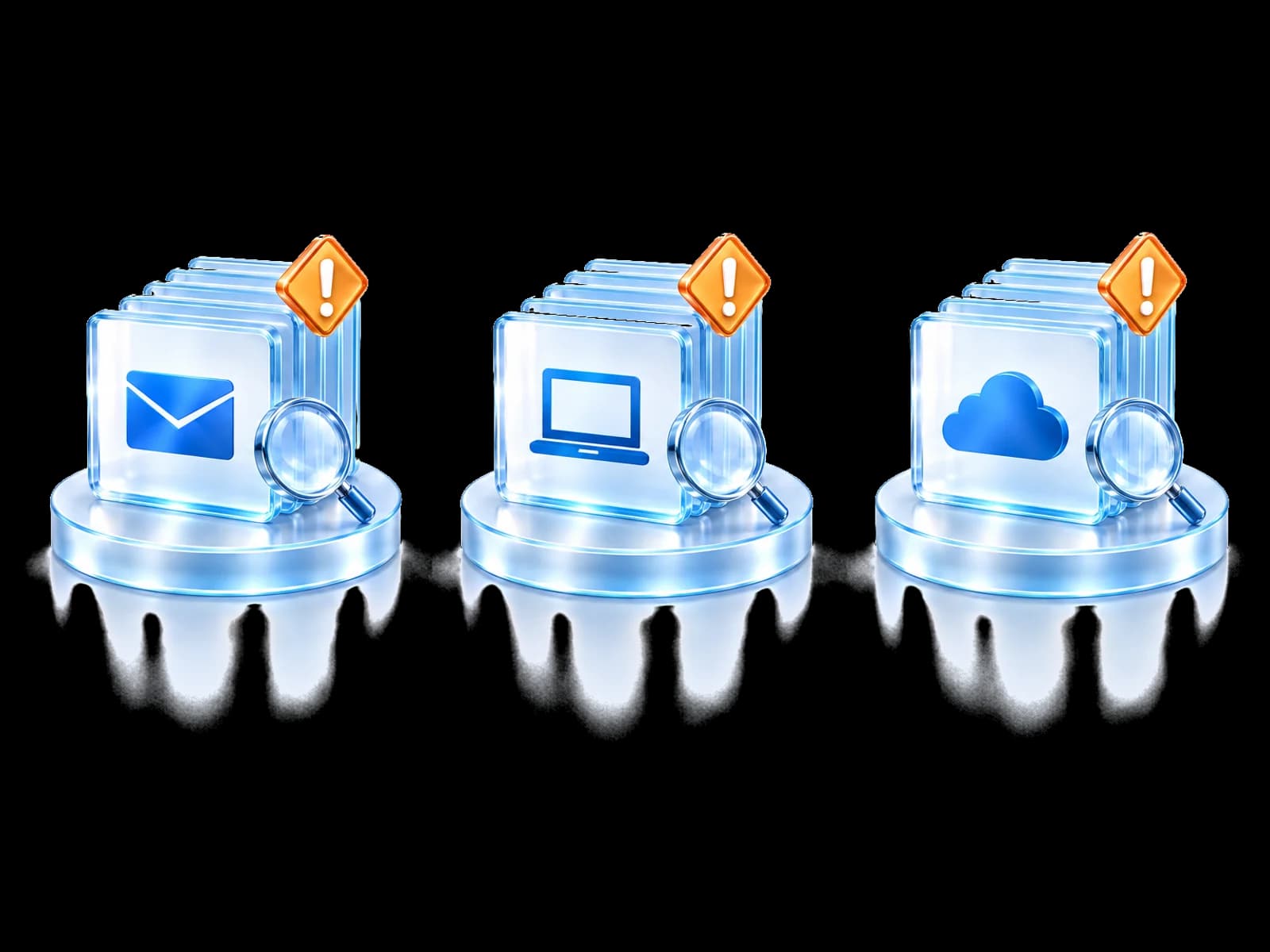
Three queues. Three investigations.
The link between the alerts is found late, or not at all.
SOC Commander
SOC Commander lists each tenant's incidents from its connected Microsoft sources, opens each one with its related alerts and evidence, and recommends the response actions your connected controls support.
Less alert chasing. Faster decisions.Create your account and start your guided onboarding.
The problem
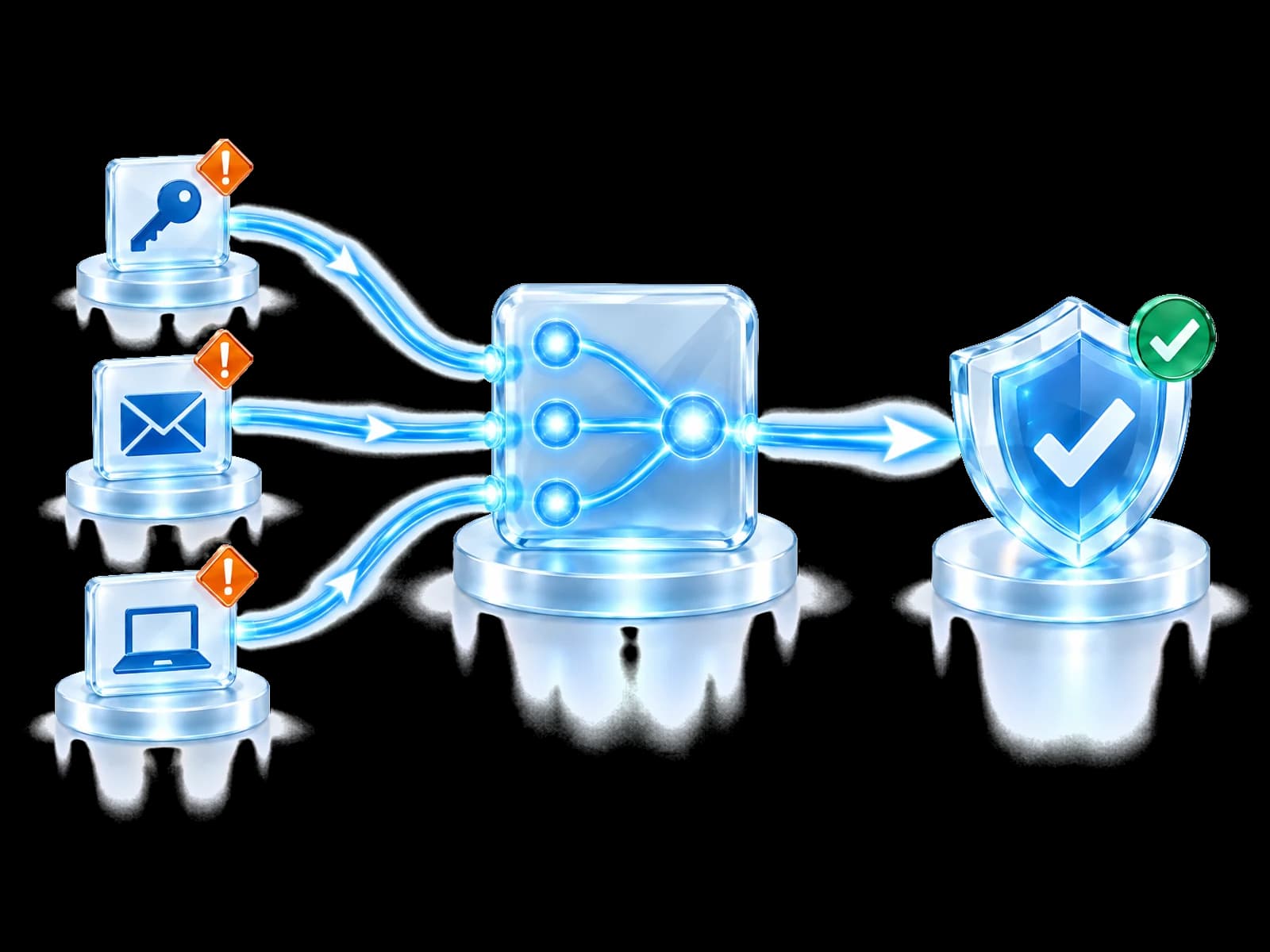
Related activity arrives as separate alerts in separate tools. Working out the connection takes time that the attacker uses.
The link between the alerts is found late, or not at all.
SOC Commander shows each incident with its related alerts and the available and recommended actions your controls support.
The attack story
Open an incident to see its related alerts, entities and evidence on one page, with the actions available for this tenant.
Why it is linkedThe source address matched infrastructure the Threat Intelligence Network had already validated as malicious.
Any one of these can fail on its own. When one does, the action is shown as unavailable and the reason is named.
Context and proof
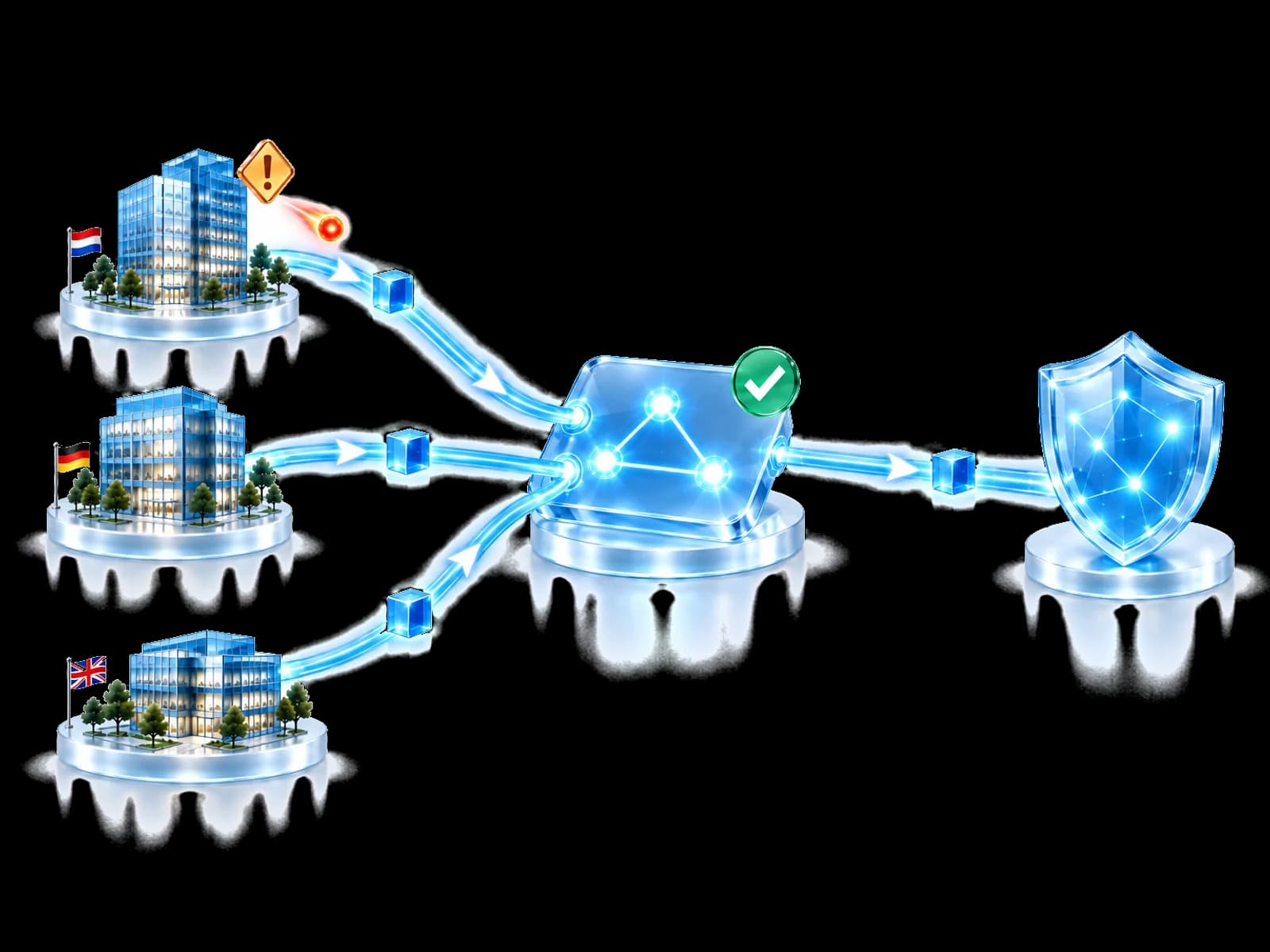
Shared defensive context can strengthen the investigation without revealing which customer observed it.
Defensive knowledge travels. Customer data does not.
Built for your team
See each incident and its recommended actions, even without a SOC.
Investigate each customer's incidents with shared defensive context. An MSP-wide SOC view is planned.
Give every team the same view of each incident.
Investigate the story, not the alert queue.
Questions people ask
It is the workspace where a tenant's incidents are investigated and handled. Today it gives you an incident list with charts and a table sorted by date, an incident drawer with the available and recommended actions, and a full incident page that brings alerts, identities, devices, email context and threat intelligence together. Understanding comes first, response second.
No. Microsoft provides strong security telemetry and controls, and your analysts provide judgement. SOC Commander adds the layer around them: cross-tenant defensive context, community reputation and protection orchestration. It is designed to make an existing security environment more connected, not to replace it.
That depends on your environment. Identity, endpoint and email response are described as categories on purpose, because every action is conditioned on tenant authority, the analyst's permissions, the capability the connected provider actually offers, the required licensing, and your approval and audit rules. When an action cannot run, SOC Commander shows it as unavailable and names the reason.
No. SOC Commander recommends actions for each incident. The analyst still reviews the evidence, a person still decides, and the response still passes every governance condition. There is no autonomous investigation and no autonomous response.
No. What can be asked of the community is whether an indicator has been observed before and how its reputation has evolved. Customer names, tenant identities, affected users, mailboxes, files and investigation detail never travel. The defensive lesson is shared; the environment it came from is not.
No. SOC Commander investigates activity and coordinates governed response. Patch delivery and vulnerability remediation are not SOC Commander functions today, and nothing on this page describes them as one.
Front Gate Protection is preventive. It helps stop validated threats at the entrance. SOC Commander is operational. It takes over when activity is already inside the environment and somebody has to understand it, decide what to do, and confirm that it worked.
SOC Commander currently supports investigation within each tenant. Shared defensive context helps analysts review findings. A single SOC view across an MSP's customers is planned.
Start here
See how SOC Commander connects tenant activity, defensive intelligence and governed response in one investigation workspace.
Create your account and start your guided onboarding.