
Message by messageRepeated work

Every copy becomes a new investigation.
Your team deals with one message while related messages keep arriving.
Email Threat Response
UnifiedONE connects a reported or detected message to the rest of its campaign, then blocks the sender, domain, URLs and attachments through Exchange Online once the action is approved, depending on your Microsoft services and licences.
Find the whole campaign. Block it once.Create your account and start your guided onboarding.
The problem
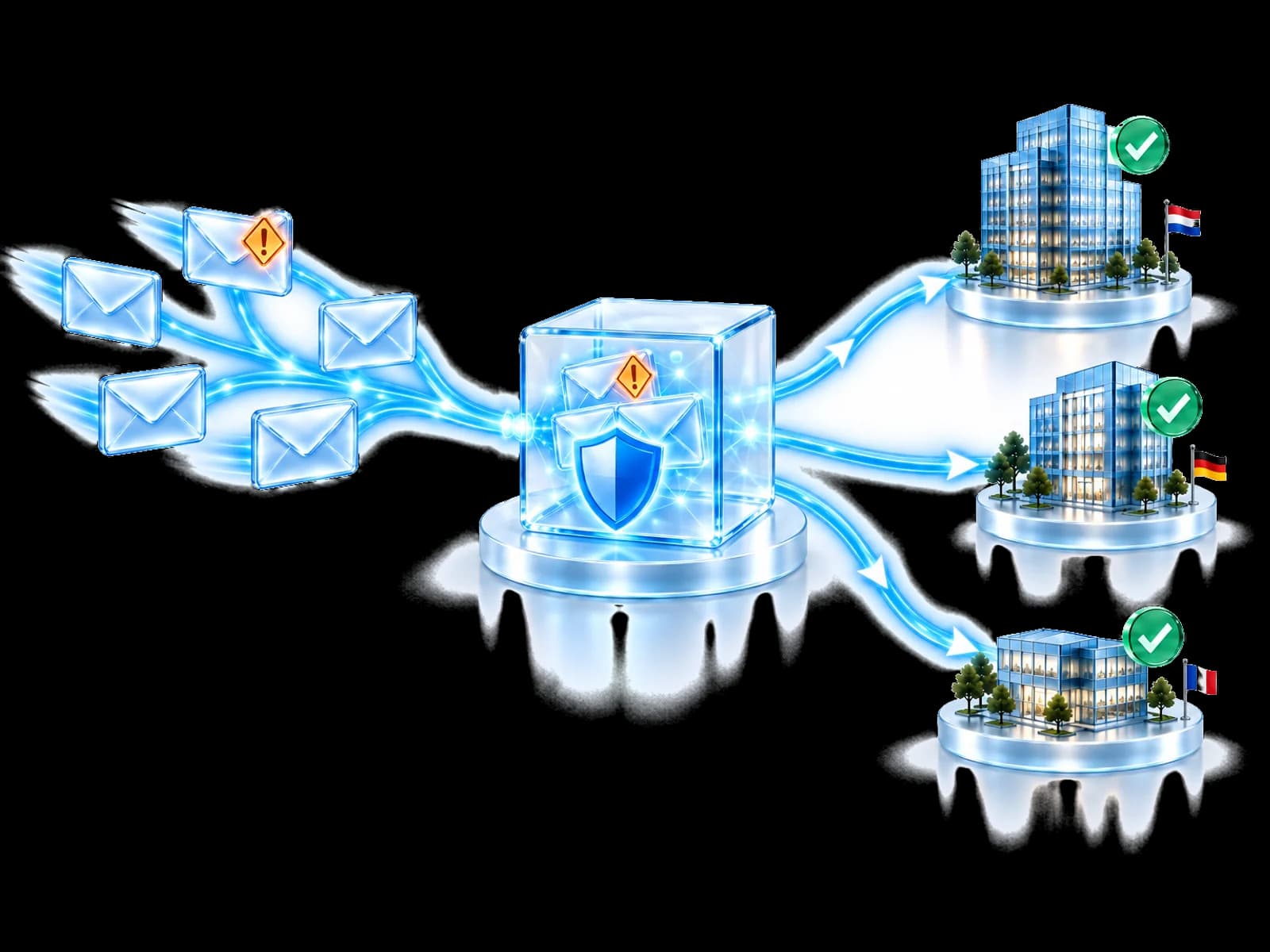
Attackers send the same lure to many people with small changes. Handle each message alone and the same lure keeps arriving while the same work is repeated.
Your team deals with one message while related messages keep arriving.
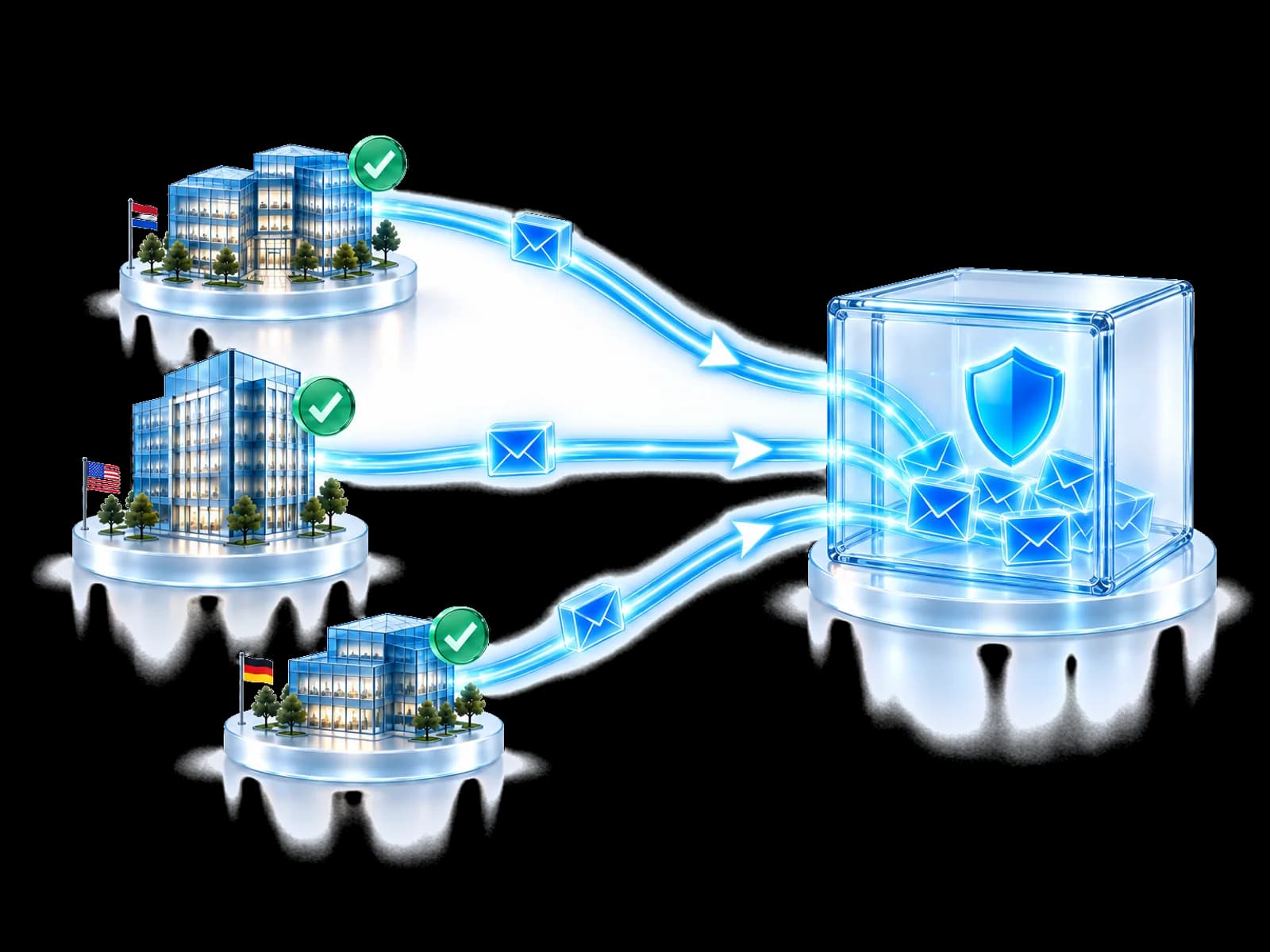
Shared sender, link and attachment evidence groups the messages, so one approved block can cover the sender, domain, URLs and attachments behind them.
From message to campaign
Sender, URL and attachment evidence can connect one delivered message to related messages.

Evidence groups messages before a response is proposed.
Conceptual messages only. No mailbox content, recipient identity or customer record is shown.
Campaign response
Review holds the campaign for a decision. A block stops the sender, domain, URLs and attachments through Exchange Online once local authority allows it. Removing delivered copies is not available yet.
Outcome: an operator can choose the next approved destination.
A provider accepting a request does not prove that every related message will be stopped.
A validated campaign can inform protection without sharing the people or messages involved.
May travel Validated attacker indicators and confidence metadata.
Stays private Mailbox content, attachments, identities and investigation evidence.
Actions remain conditional on local policy, permissions, licensing and the connected provider's documented capability.
Built for your team
Handle a phishing wave without a security specialist on staff.
Investigate a campaign once and see which customers it reached.
Coordinate blocks across business units with local approval.
Go from one reported email to the full campaign in one view.
Questions people ask
Email threat response is the work that starts after a malicious message has been detected or delivered. It covers correlating the message into a campaign, blocking the sender, domain, URLs and attachments to help stop related messages, and containing the identity consequences of a click. Email Threat Response is UnifiedONE's response layer for that work. Removing copies that were already delivered is not available yet.
No. Keep the email security you bought; it keeps doing its detection. For connected Microsoft 365 tenants, Email Threat Response adds campaign correlation, governed blocks through Exchange Online and the handover to identity response. It is a response layer alongside your email security, not a second email-security product.
No. Removing delivered messages is not available today, because the Microsoft interface it depends on is still in beta. Today Email Threat Response blocks the sender, domain, URLs and attachments through Exchange Online, which helps stop further messages from the same campaign. Each block depends on the tenant's Microsoft services, permissions and configuration. Where an action is unavailable, the limitation is shown and named instead of being presented as a completed action.
No. A confirmed malicious click preserves the campaign, message and user context and passes it to Identity Protection and SOC Commander. Where your policy, your authority and the available capability permit, UnifiedONE can then coordinate actions such as session revocation or a password workflow. Nothing runs automatically unless you configured that action type to run, and in Assist mode an authorised operator approves it.
No. What can travel is attacker knowledge: malicious sender addresses, sending domains, links, attachment hashes, validated campaign identifiers, and the confidence and expiry metadata that goes with them. Mailbox content, message bodies, attachments, recipient names, customer and tenant identities, investigation evidence and raw message records are not shared between participants.
One campaign is investigated once, with a view across the affected customers rather than a fresh start in each environment. Investigation, blocks and reporting run from one workflow. You can see which environments are protected, which are waiting for an approval and which lack the capability or licence an action needs. Analyst findings can extend to other eligible participating environments, and the customer gets evidence of what was detected and blocked.
That is the case it is designed for. A smaller organisation gets stronger operational email response without building an internal SOC workflow, because the campaign correlation and the governed blocks are the product rather than a runbook somebody has to write. Larger organisations get the coordination instead: connected email signals, campaign context, identity response and governed action in one story.
Yes. Email Threat Response is included from the Threat Protection plan upwards. Its email actions block senders, domains, URLs and attachments through Exchange Online. Which actions run in your environment still depends on your Microsoft services, permissions and configuration. Ask us what your environment supports today.
Start here
Connect campaign evidence to an approved response, then check what the provider confirms.
Create your account and start your guided onboarding.