
The Repeat · Security briefing series
Understand the attack. Know what to check.
Watch concise briefings on published security research. Each episode explains what happened, why it mattered, and what teams can review in their own environment.
Subscribe on YouTubeLatest episode
Before Login: N-able N-central Pre-Auth RCE
This episode covers a critical pre-authentication remote code execution risk in N-able N-central.
Watch on YouTubeEpisode video and source details are published in English.
Read the full briefing and review steps
This episode covers a critical pre-authentication remote code execution risk in N-able N-central. The official description says an RMM management plane can reach systems across multiple customer environments, so teams should begin their review at that shared control plane; MFA does not sit in this attack path.
What to review
- Verify that N-central is running build 2026.3.1.14 or later.
- Review management-plane exposure.
- Investigate suspicious activity around vulnerable systems, including admin activity, remote sessions, scripts, and telemetry.
Archive
Browse every episode
Choose an episode to watch and see what to check. 10 published episodes.
Loaded episode: Before Login: N-able N-central Pre-Auth RCE
The format
A short path from context to review.
The Repeat turns published research into a compact explanation. Use each briefing as a starting point, then assess the guidance against your own tools, policies, and environment.
What happened
The published technique or campaign in plain language, with the source context kept intact.
Why defenses missed it
The condition that made the technique useful, so teams can compare it with their own controls.
What to do now
Practical review steps and, where the source supports it, a query or setting to inspect.
Series details
About the series
What does The Repeat cover?
Published security research and attack techniques that are useful to teams working with Microsoft environments and related services. Each episode keeps the source context and practical review steps together.
Are the episodes translated?
The page controls and dates are localised, but the videos, episode titles, summaries, review steps, and queries are published in English so technical details are not silently machine-translated.
Does watching an episode change my environment?
No. A briefing provides information only. Any review or response must be assessed and applied through your own tools, policy, permissions, supported controls, and licensing.
Do I need UnifiedONE to use the advice?
No. The published review steps can be considered independently. UnifiedONE offers a separate way for participating organisations to share validated defensive knowledge and coordinate approved responses through connected tools.
From awareness to a decision
A briefing can inform a response. It cannot change your environment.
The Repeat helps teams understand a published threat and identify useful checks. Applying any response still depends on the organisation's context, policy, permissions, supported controls, and licensing.
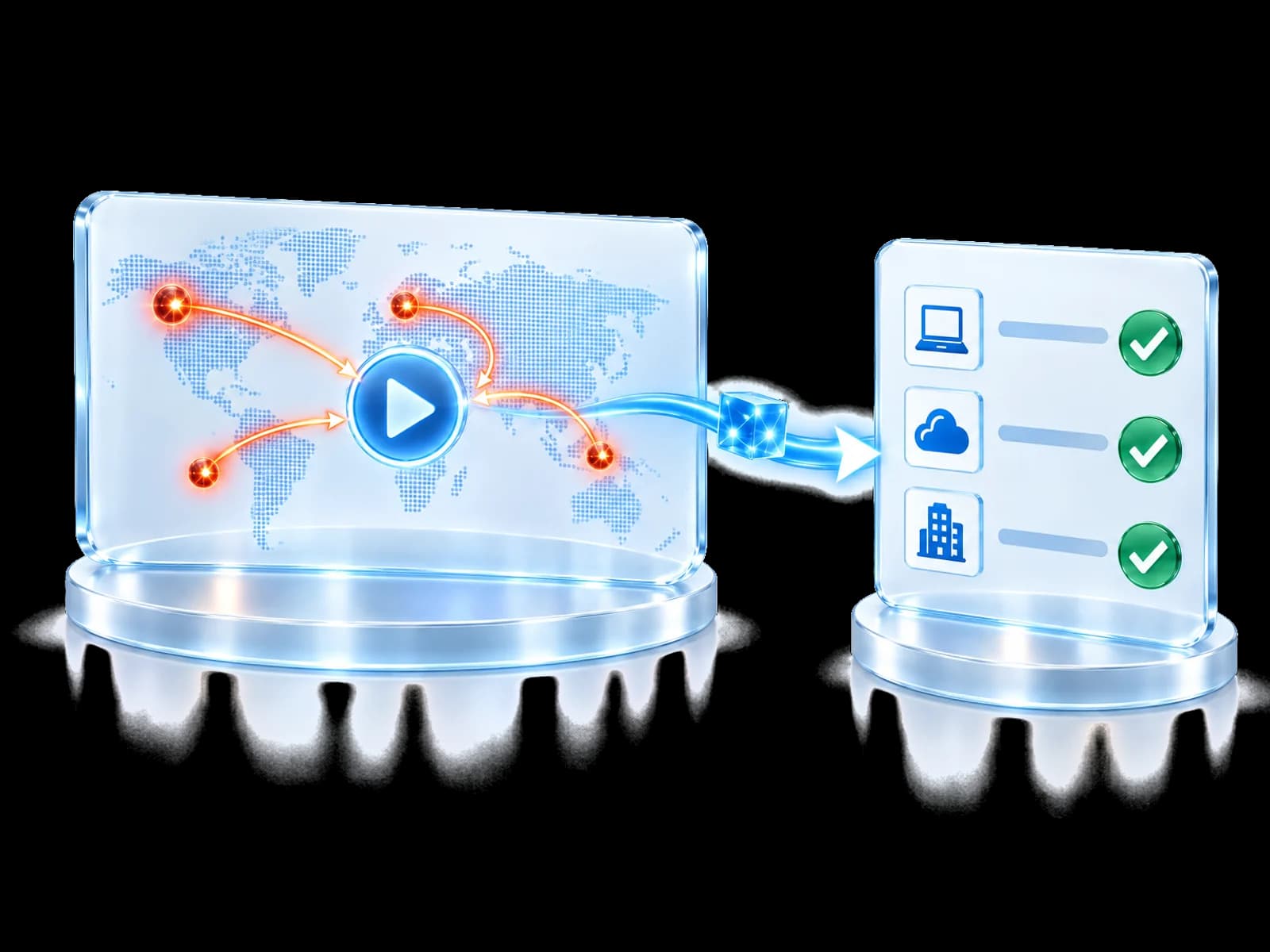
UnifiedONE is built to help validated defensive knowledge travel between participating organisations and to coordinate an approved local response through connected tools. Each organisation keeps authority over what happens next.
Keep the next briefing within reach.
Subscribe on YouTube for future episodes. If you want to move from awareness to coordinated local action, join the Community.