
What Microsoft provides
- Identity, device and email signals
- Device posture context
- The controls that carry out eligible actions
Microsoft security
Connect supported Entra ID, Defender and Intune signals with validated threat knowledge. Coordinate an approved response through the Microsoft controls you already own.
Keep Microsoft. Add UnifiedONE. Your licences and tools stay in place.
Create your account and start your guided onboarding.
Actions depend on policy, permissions, supported controls and licensing.
The gap
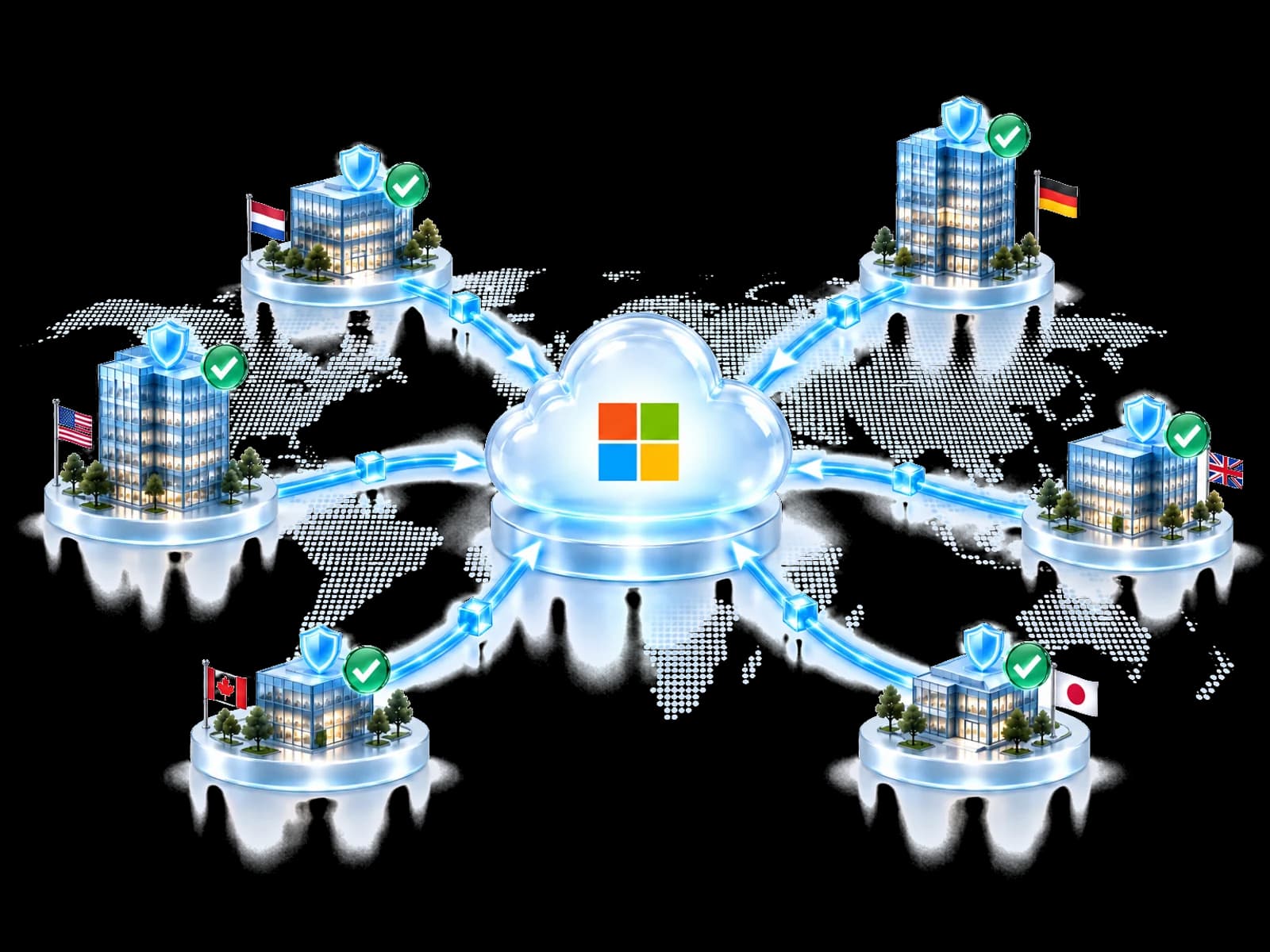
A useful finding needs context before another customer can act on it. UnifiedONE validates the lesson and checks where it applies.

Microsoft signals alone: Relevant evidence arrives from different Microsoft services.
With UnifiedONE: Supported signals are considered together with validated intelligence.
Microsoft signals alone: A finding confirmed for one customer may need to be checked again elsewhere.
With UnifiedONE: A validated defensive lesson can inform another eligible environment.
Microsoft signals alone: An action suitable for one tenant may require approval or be unavailable in another.
With UnifiedONE: See which response was applied, awaits approval or has a control gap.
How it works
UnifiedONE assesses the finding. Each tenant's rules and available Microsoft controls decide what can happen next.
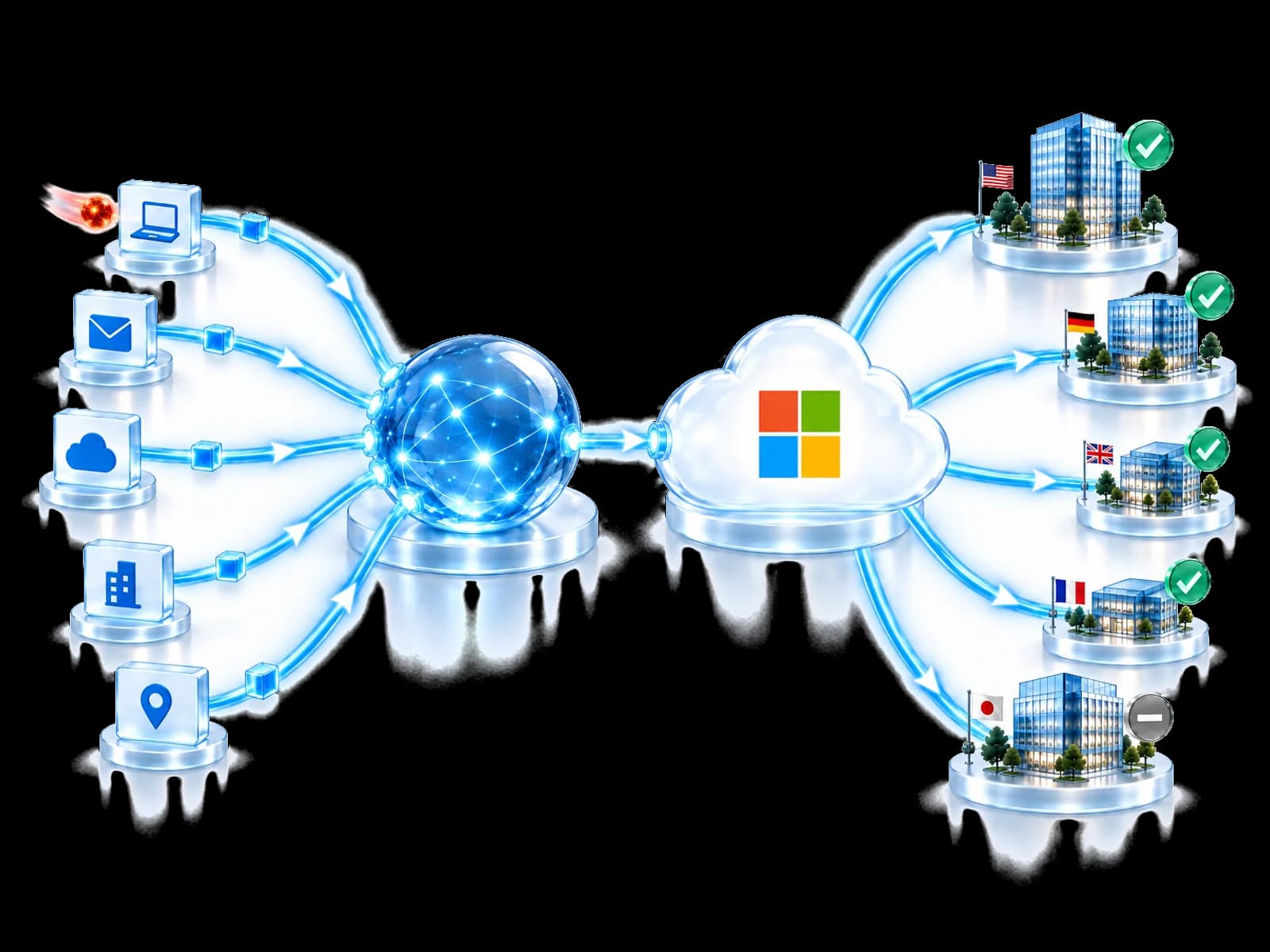
Take in supported signals from Entra ID, Defender and Intune alongside trusted intelligence sources.
DCRE — Dynamic Confidence & Reputation correlates evidence and scores confidence before a finding can be reused.
Confirm relevance, policy and available controls for each environment.
Apply the approved action through Microsoft controls, or route it for approval.
What each service adds
Select a service to see what it contributes and what UnifiedONE can coordinate with it.
Select a Microsoft service
Entra ID signals help assess risky sign-ins. Where policy allows, UnifiedONE can coordinate session revocation or access restrictions.
Available actions depend on the connected service, permissions, configuration and licensing.
Business value
UnifiedONE helps Microsoft-heavy teams use validated defensive knowledge through the investments they already operate.
Coordinate action through the Microsoft controls you already license.
Start from community-validated knowledge instead of from zero.
See whether the eligible action applied, needs approval or cannot run with the available controls.
Every decision records its evidence, approvals and outcome.
Create your account and start your guided onboarding.
Clear roles
UnifiedONE is an independent platform. It is not a Microsoft product or add-on, and it does not replace your Microsoft tools.
Entra ID, Defender and Intune keep doing their jobs where they are.
Your policy decides whether an action runs automatically or waits.
Unavailable controls are shown, never presented as protection.
No. It adds an intelligence and coordination layer around Microsoft Entra ID, Defender and Intune. Those tools keep doing their job.
Neither. UnifiedONE is an independent platform. Microsoft environments are supported sources and controls; the decision is made in UnifiedONE's own engine, under your policy.
UnifiedONE works with supported Microsoft Entra ID, Defender and Intune signals. Available actions depend on your configuration, permissions and licences.
Available actions depend on your Microsoft licensing and permissions. UnifiedONE shows which actions your environment supports and which are missing.
No. UnifiedONE is an independent product available on Microsoft Marketplace. The listing does not mean Microsoft endorses or certifies every UnifiedONE capability.
Microsoft Defender is Microsoft's XDR suite for endpoints, email and collaboration, identity and cloud apps. UnifiedONE uses its signals alongside other sources.
Next step
Join the Community to connect your existing environment through guided onboarding, or review UnifiedONE on Microsoft Marketplace.
Create your account and start your guided onboarding.