
Free runbook for MSPs
The First‑Hour Runbook
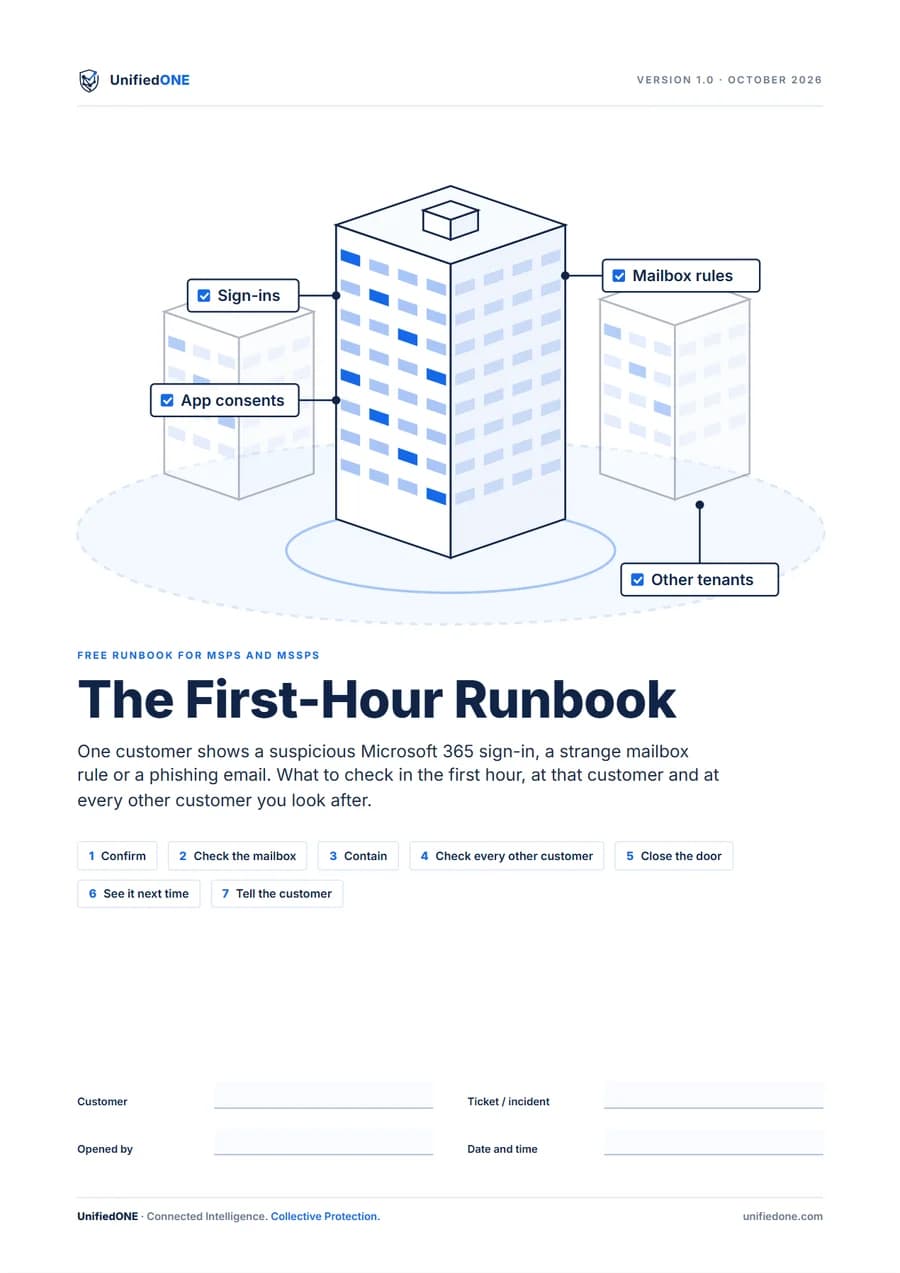
What to check in the first hour after a suspicious Microsoft 365 sign-in, mailbox rule or phishing email. At one customer, then every customer you manage.
13-page fillable PDF · English · Every technical step sourced to Microsoft Learn
What's inside
Seven steps,
in the order you need them.
Every step says where to click, what to run and what good looks like. Fill it in as you go and attach it to the ticket.
0–10 min
Confirm
Read the user's sign-ins, risk state, MFA methods and recent changes, and write down the sender, subject and IP address.
10–15 min
Check the mailbox
List inbox rules, including hidden ones, forwarding, mailbox permissions, app consents and the mail the account sent.
15–30 min
Contain
Block sign-in first, then revoke sessions, remove the rules and forwarding, reset the password and MFA, and remove untrusted apps.
30–45 min
Check every other customer
Each tenant is separate, so search every customer you manage for the same sender, subject and sign-in source.
45–55 min
Close the door
Check five settings often abused in takeovers: MFA exclusions, legacy sign-in, Global Administrators, user app consent and device-code sign-in.
55–60 min
See it next time
Make sure audit logging is on and Microsoft's alerts reach your MSP's monitored mailbox, not only the customer's admins.
Before you close the ticket
Tell the customer
A short, plain update: what happened, what you did and what they need to do, with the GDPR and NIS2 reporting timelines.
A script for step 4
It reads your customer list, runs the same message trace in each tenant through your delegated access and saves the hits, plus one summary line per customer.
A record table for 24 customers
When you searched, whether the mail or the sign-in source turned up and what you did, with a box for the tenants you could not check.
Who it's for
MSP technicians working alone in a delegated (GDAP) customer tenant. Vendor-neutral: every step runs in Microsoft 365, whichever endpoint tool your customers use.
Have ready: delegated admin access to the customer, the ExchangeOnlineManagement and Microsoft.Graph PowerShell modules, and a list of every customer tenant you manage.
Free protection check
See it on your own customers
Connect one customer tenant in the 30-day free trial and see what UnifiedONE can protect, and where the gaps are.
After 30 days, your subscription starts automatically unless you cancel.
Eligible Microsoft tenants. Connecting needs Microsoft Entra ID P1 or higher and consent from a Global Administrator.
See the full trial terms